Sometimes a GIF hits different in reverse. A drop becomes a levitation. A fall becomes a jump. A reaction goes from shock to calm. Reversing a GIF takes about 10 seconds and you don’t need any software.
Why Reverse a GIF?
It’s not just a party trick. Reversing a GIF is genuinely useful:
- Comedy: Things falling upward, water flowing backwards — instant humor
- Creative editing: Undo an action or create a surreal effect
- Boomerang loops: Forward-then-backward playback for seamless loops (like Instagram Boomerangs)
- Reaction GIFs: Sometimes the reversed version is funnier than the original
How to Reverse a GIF in 3 Steps
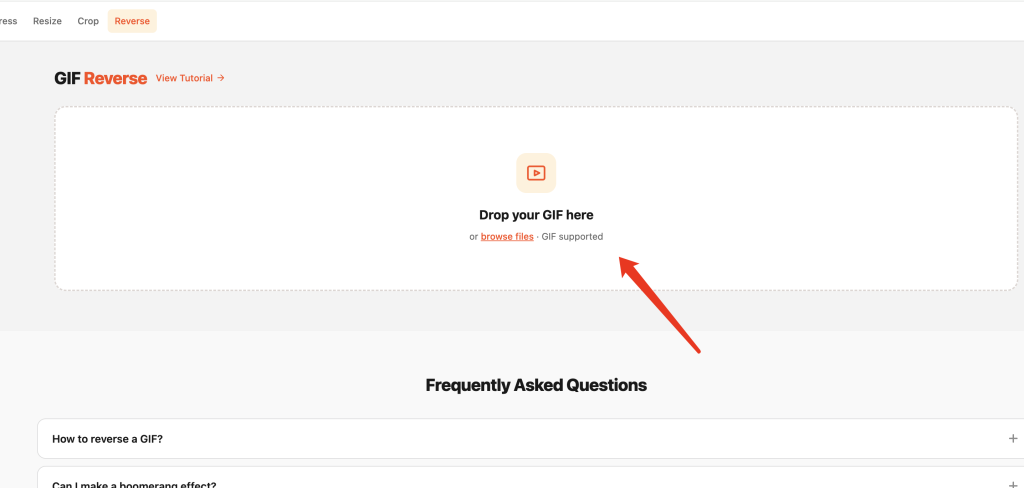
Step 1: Upload Your GIF
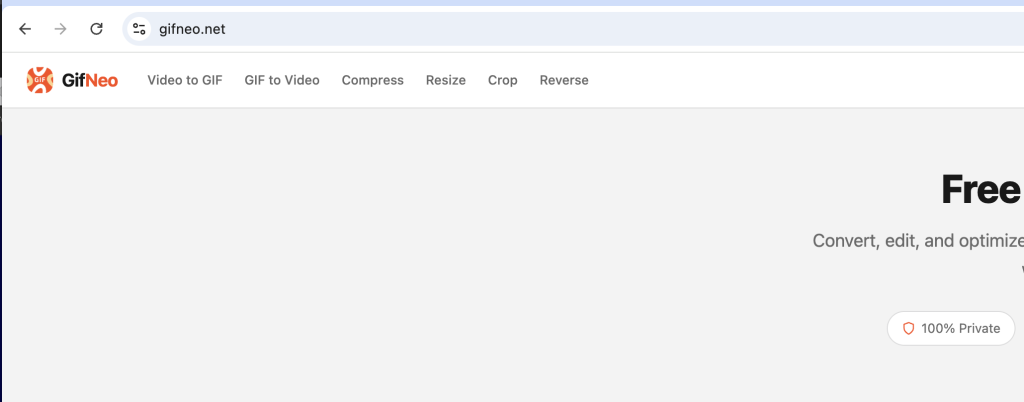
Go to the GIF Reverse tool and drop your GIF onto the upload area. Or click to browse. Everything runs in your browser — nothing gets uploaded to any server.
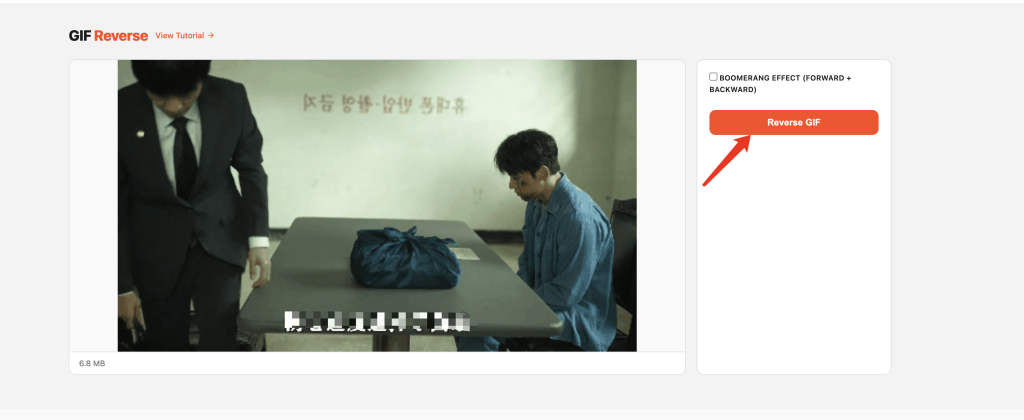
Step 2: Choose Your Mode
You’ve got two options:
- Reverse — plays the entire GIF backwards. Frame order flips from last-to-first. That’s it.
- Boomerang — plays forward first, then reverses back (without duplicating the first and last frames). Creates a seamless back-and-forth loop.
Pick whichever fits what you’re going for.
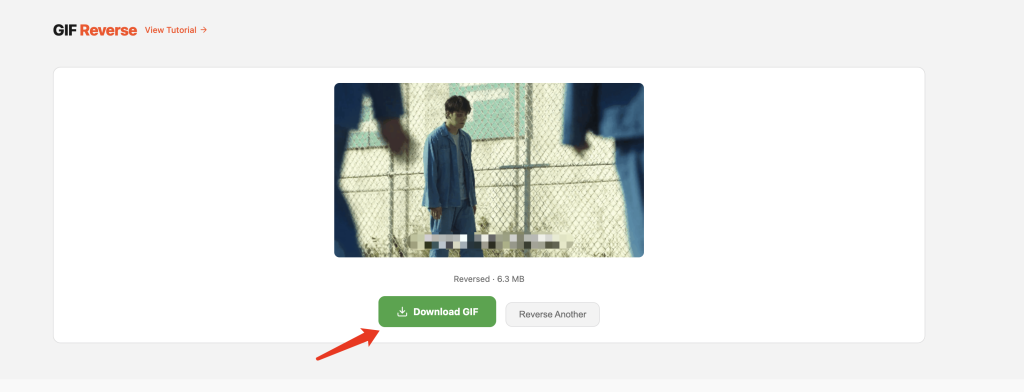
Step 3: Download
Hit convert, wait a few seconds, download your reversed GIF. Done.
Reverse vs Boomerang: When to Use Which
表格
| Mode | What It Does | Best For |
|---|---|---|
| Reverse | Plays frames backwards | Comedy, surreal effects, undoing actions |
| Boomerang | Forward then backward loop | Seamless loops, Instagram-style effects |
A few examples:
- Someone throws a ball → Reverse makes it look like they’re catching something from thin air
- A pour or splash → Boomerang creates a satisfying infinite loop
- A door closing → Reverse makes it open by itself (spooky)
FAQ
Does reversing change the quality?
No. Every frame stays exactly the same — they just play in a different order. Zero quality loss.
What’s the difference between Reverse and Boomerang?
Reverse plays the entire GIF from end to start. Boomerang plays forward, then plays backward (skipping the duplicate first and last frames) to create a smooth looping effect.
Does Boomerang double the file size?
Roughly, yes — since it adds almost all frames again. But it creates a seamless loop, which is worth the extra size for most use cases.
Can I reverse a GIF that’s already reversed?
Sure. Reversing it again puts it back to the original order. It’s just a toggle.
Works on mobile?
Yes. The whole tool runs in your browser, so it works on phones, tablets, and desktops.
Are my files uploaded anywhere?
No. All processing happens locally in your browser. Your GIFs never leave your device.
More GIF Tools
- Resize GIF – Change GIF dimensions precisely
- Cut GIF – Trim GIF to a specific time range
- Speed GIF – Speed up or slow down GIF playback
- Images to GIF – Combine multiple images into one GIF
- Reverse GIF – Play GIF frames backward
- Rotate GIF – Rotate GIF 90°/180°/270°
- Crop GIF – Crop GIF to a custom area
- Video to GIF – Extract a clip from video as GIF
- Add Text to GIF – Overlay text captions on GIF frames
- Split GIF – Extract individual frames from a GIF
- GIF to Video – Convert GIF animation to MP4/WebM video